BooshSEO
Sales on hold
£24.99/year
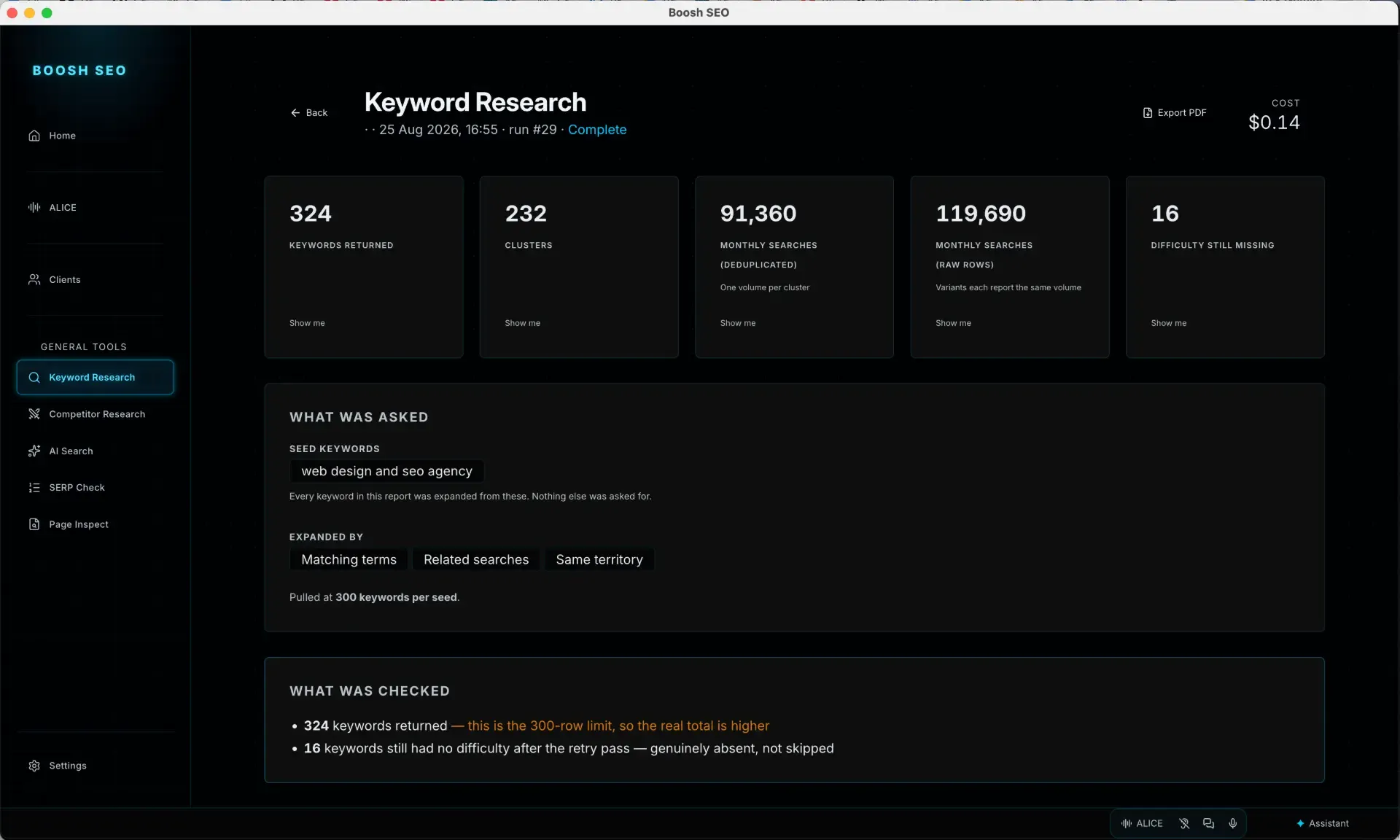
Keyword research, site audits, rank tracking and AI visibility: run from your desk, on your own data budget.
The apps
Two apps for the people who run websites, and two for the developers who build them. Every one of them is a desktop application you buy once and run on your own machine.
Each one does something you are probably already paying somebody for. They share a design system, so learning one gets you most of the way through the rest.
Sales on hold
£24.99/year
Keyword research, site audits, rank tracking and AI visibility: run from your desk, on your own data budget.
£24.99/year
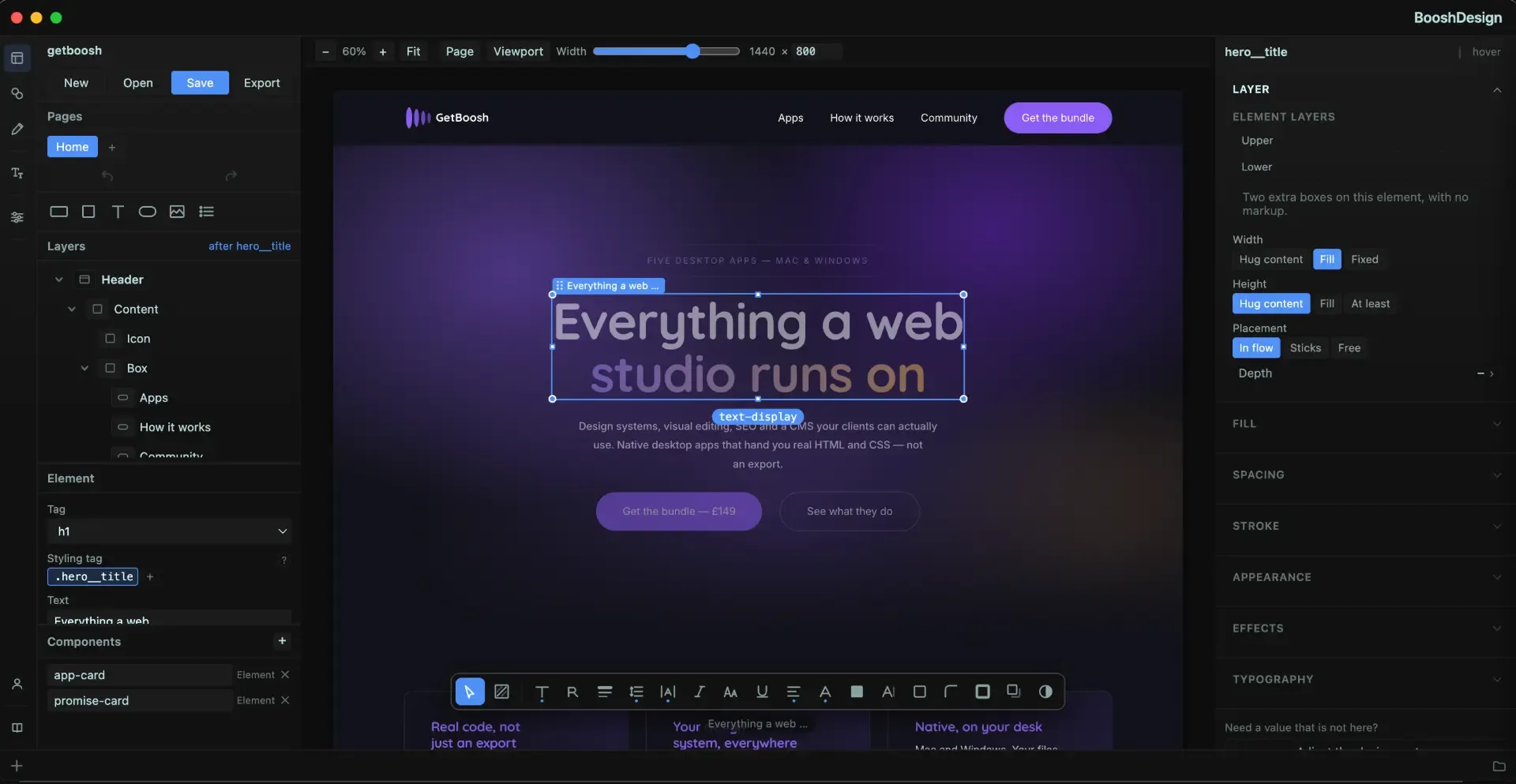
Draw the page on a canvas that is a real browser, and get real HTML and CSS out, because that is what you drew.
Also for the developers you work with
A visual layer over real HTML, CSS and JavaScript projects: click a node, inspect it, edit it, on the desktop.
£49.99
Generates the globals.css every other app reads: an OKLCH palette and a two-layer token system, from six colours.
£39
Overview, features, pricing and documentation for each: whichever you were after.
Keyword research, site audits, rank tracking and AI visibility: run from your desk, on your own data budget. Overview · Features · Pricing · Documentation.
Open BooshSEODraw the page on a canvas that is a real browser, and get real HTML and CSS out, because that is what you drew. Overview · Features · Pricing · Documentation.
Open BooshDESIGNA visual layer over real HTML, CSS and JavaScript projects: click a node, inspect it, edit it, on the desktop. Overview · Features · Pricing · Documentation.
Open FEWD StudioGenerates the globals.css every other app reads: an OKLCH palette and a two-layer token system, from six colours. Overview · Features · Pricing · Documentation.
Open GenCSSTell us what your week actually looks like and we will say which of these would help, which would not, and whether the honest answer is none of them.