Your data stays yours
Everything lives in a file on your own machine, not in an account that holds it. Stop at any point and the work is still there, in a format you can open.
Desktop apps: Mac & Windows
Search performance, and the design your site sits in. Two apps that live on your machine rather than someone else's, so the work stays readable and yours whatever happens to a licence.
Everything lives in a file on your own machine, not in an account that holds it. Stop at any point and the work is still there, in a format you can open.
Every app is at an EarlyBird rate that never goes up for you. Nothing is built to trap you either. Your files open without us, and leaving costs you nothing but the licence you stop paying for.
One design system runs through all of them. Learn the shape of one app and you have most of the way learnt the rest.
Each one does a job you are already paying somebody for. Together they cover the whole of running a site, and they share a design system, so none of them feels like a different company's software.
Sales on hold
EarlyBird LTD
£24.99/yearEarlyBird rate, locked in for life
Keyword research, site audits, rank tracking and AI visibility: run from your desk, on your own data budget.
EarlyBird LTD
£24.99/yearEarlyBird rate, locked in for life
Draw the page on a canvas that is a real browser, and get real HTML and CSS out, because that is what you drew.
Also for the developers you work with
A visual layer over real HTML, CSS and JavaScript projects: click a node, inspect it, edit it, on the desktop.
£49.99
Get FEWD StudioGenerates the globals.css every other app reads: an OKLCH palette and a two-layer token system, from six colours.
£39
Get GenCSSBooshSEO
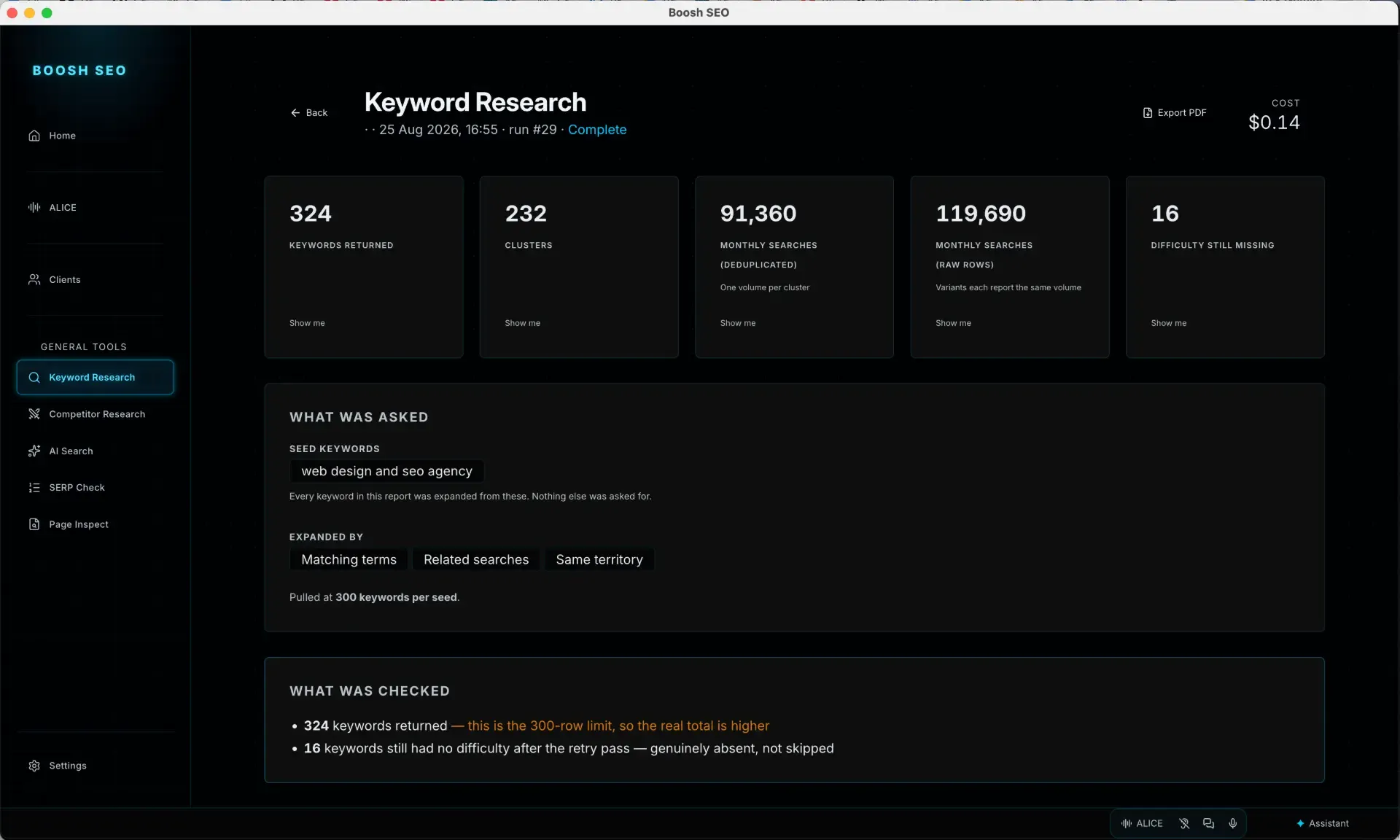
Keyword research, site audits, rank tracking, competitors, backlinks and AI visibility. BooshSEO does exactly what you click and nothing else: nothing polls, nothing crawls on a schedule and nothing runs up a bill while you sleep.
You bring your own DataForSEO key, so you pay for data at what it actually costs rather than paying a platform to mark it up.
Look at BooshSEO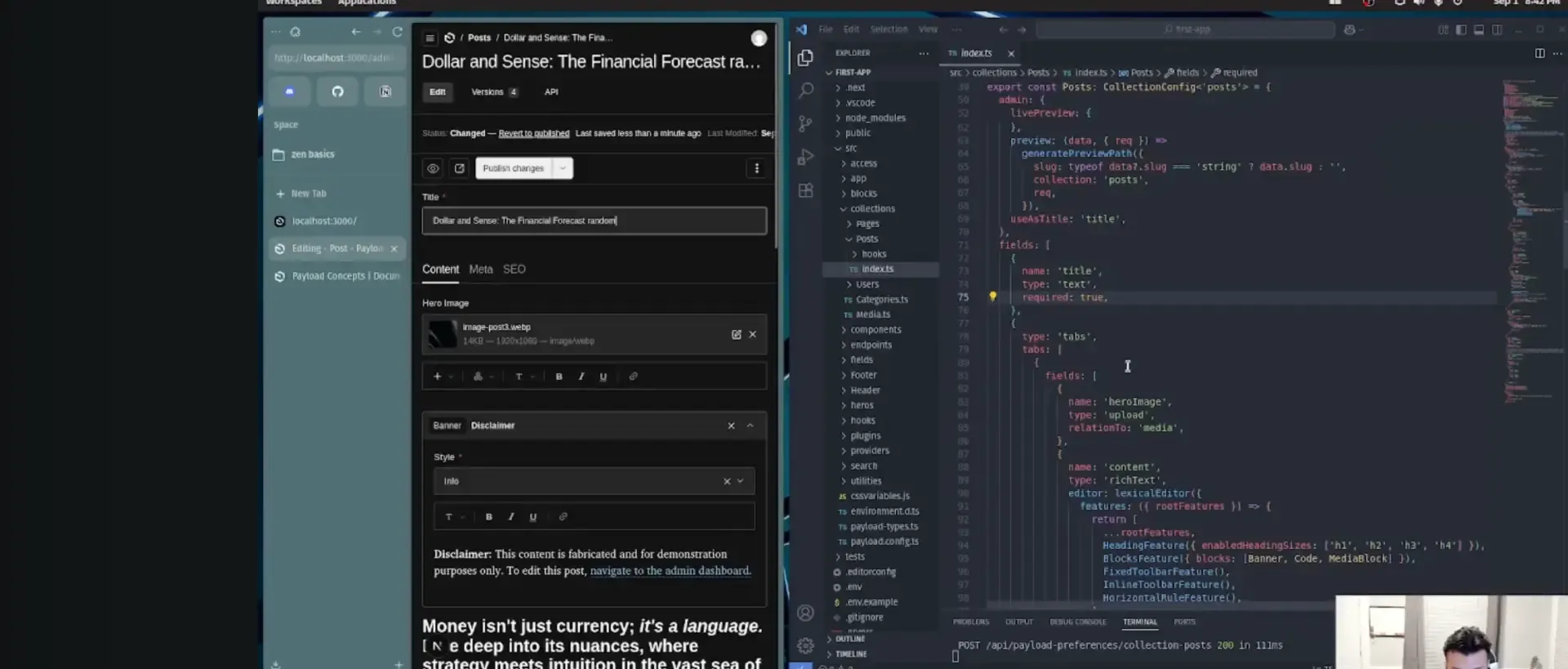
BooshDESIGN
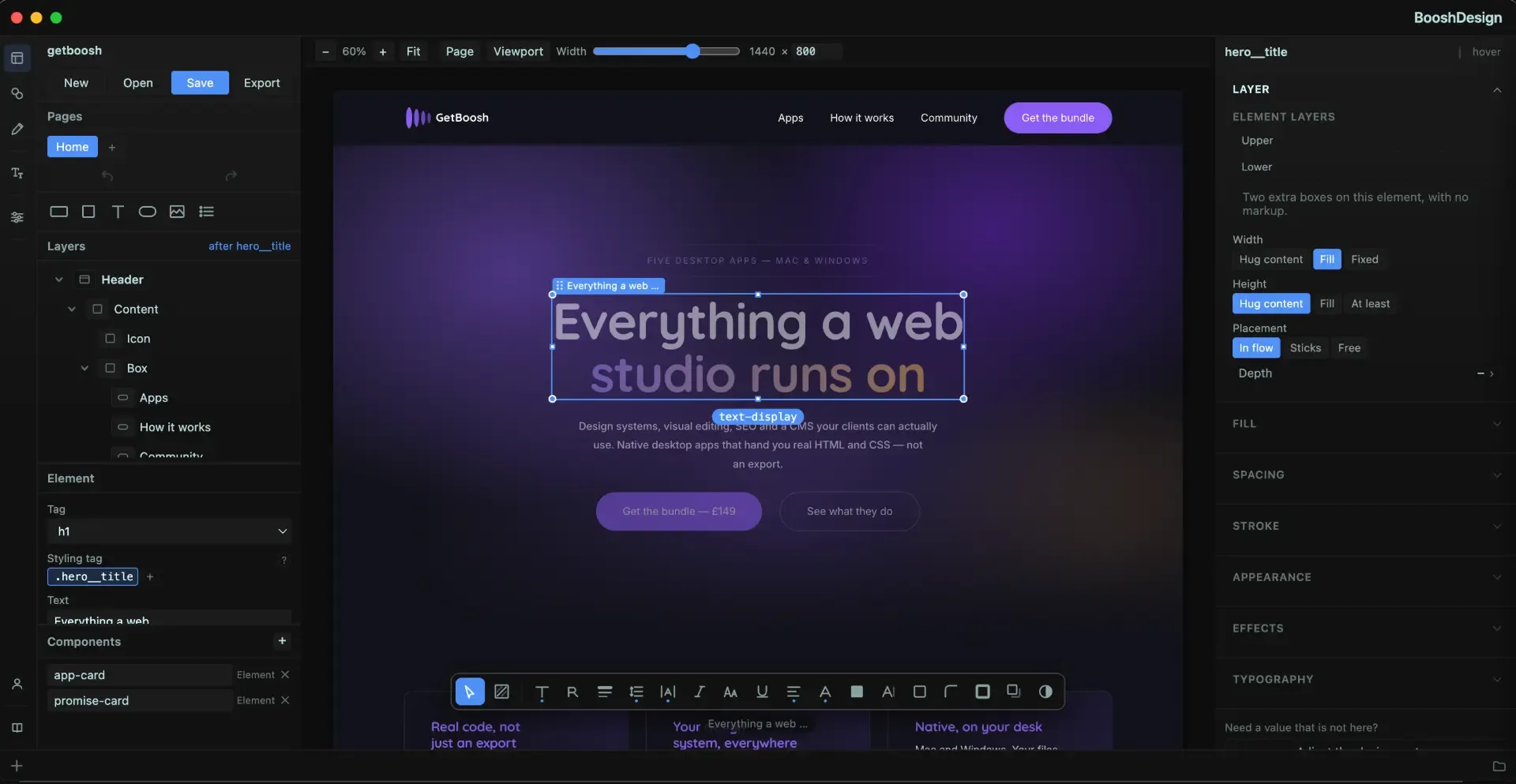
BooshDESIGN is a design canvas where every control is bound to a token from your globals.css. There is no box to type an arbitrary value into, so nothing you draw can fail to become valid CSS.
The canvas is a live browser rendering the real thing, so there is no export step. What comes out is BEM-named HTML and plain CSS that sits in your own project.
Look at BooshDESIGN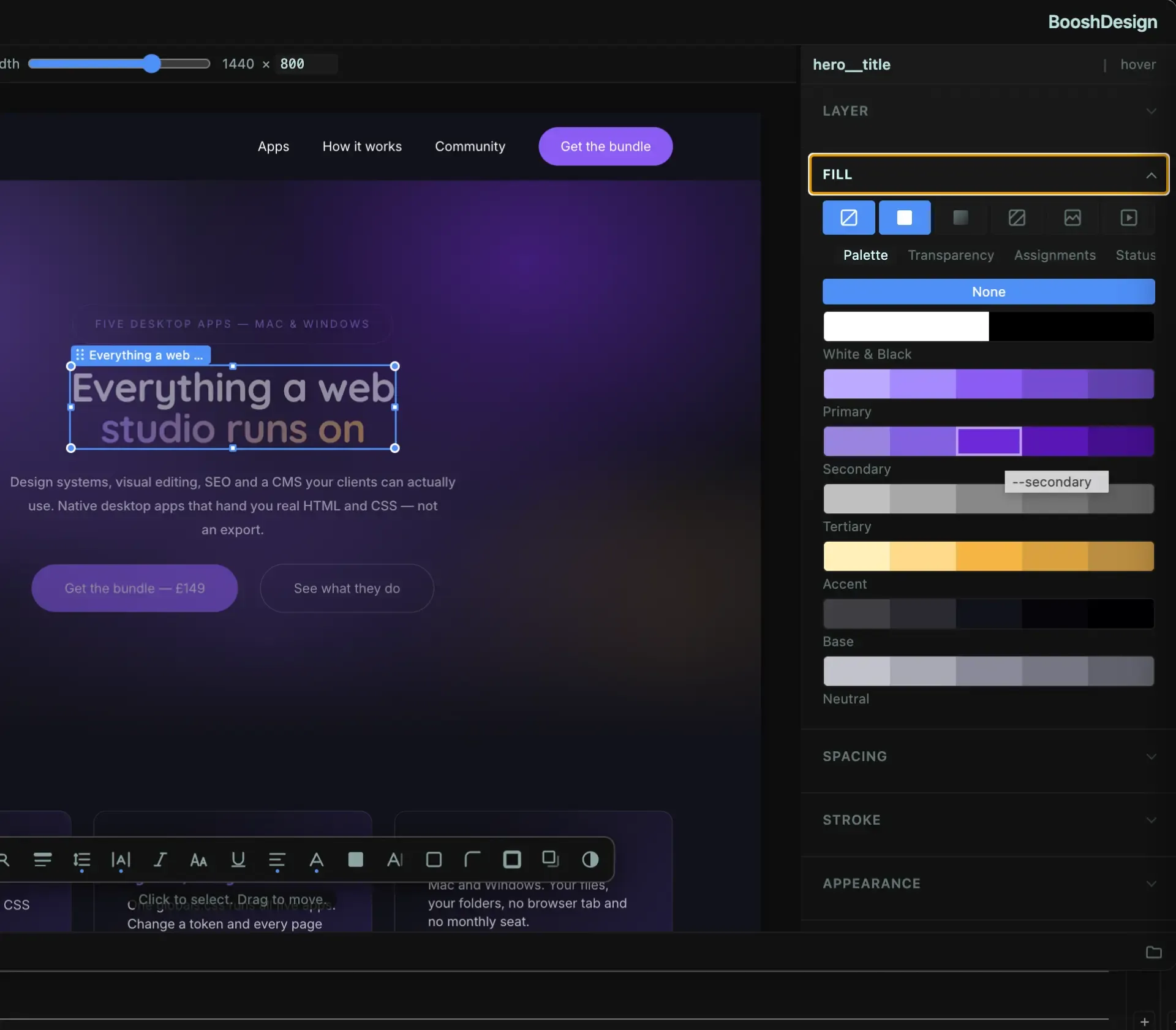
Why desktop
Cloud tools run whether you are looking or not, and the bill arrives either way. These apps do the work when you press the button, on data you already pay for, and store the result where you can see it. Nothing polls in the background, nothing crawls on a schedule, and no one is quietly building a profile of your business on the way through.
That matters more than it sounds. When your client list, your content and your reporting all live inside somebody else's platform, every promise you have made to a customer quietly depends on that company: their pricing, their roadmap, their appetite for the market you are in. Here the data is a file on your machine and the process is yours to change, so a decision made in someone else's boardroom is not your problem to explain.
Tell us what your week looks like and we will tell you honestly which of these would help and which would not. If the answer is none of them, we will say that too.
We reply to everything ourselves. No form that goes nowhere.